Quick tap gestures for your MacBook
Tap your MacBook toScreenshot
Tap the left or right side of your MacBook once, twice, or three times to instantly trigger your favorite actions.
Requires macOS 14+ · MacBook Pro M1 Pro or newer · MacBook Air M2 or newer
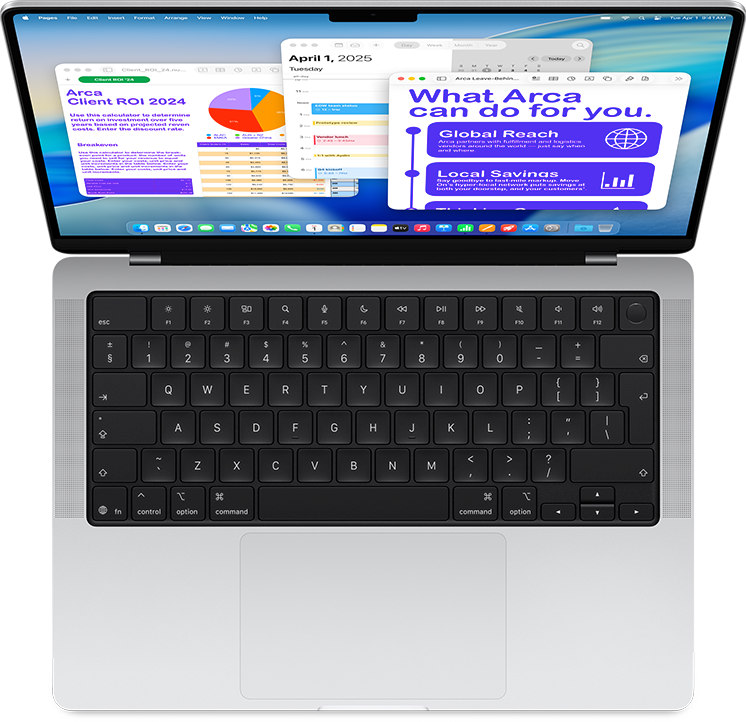
A new tap gesture for your MacBook shortcuts.
Tap your MacBook and run any action — built-in or from the Shortcuts app.
The tap map.
Choose a side, choose a tap count, choose what happens.
Left side
- 1 tapMute / unmute
- 2 tapsScreenshot
- 3 tapsFlashlight
Right side
- 1 tapApple Shortcuts
- 2 tapsPlay / pause
- 3 tapsNext track
Plus 50+ built-in actions. All six slots are customizable.
50+ built-in actions.
One tap for screenshots, media, windows, system controls — and any Apple Shortcut.
Screenshots & clipboard
- Screenshot → Clipboard
- Screenshot → Desktop
- Screenshot (select area)
- Copy (⌘C)
- Paste (⌘V)
- Paste without formatting
- Undo (⌘Z)
- Redo (⇧⌘Z)
Media & volume
- Mute / unmute sound
- Volume up
- Volume down
- Play / Pause
- Next track
- Previous track
Input, display & focus
- Mute / unmute microphone
- Brightness up
- Brightness down
- Keyboard backlight up
- Keyboard backlight down
- Toggle Focus…
Custom shortcuts
- Press keyboard shortcut…
- Open application…
- Open URL…
- Run Shortcut…
Window & workspace
- Mission Control
- Spotlight search
- Quick Note
- Minimize front window
- Close front window
- Window → left half
- Window → right half
- Maximize window
- Toggle full screen
- Hide front app
- Hide other apps
- Previous Space
- Next Space
- Switch to previous app
- App switcher (tap to step)
- Quit front app
Lock, sleep & screensaver
- Lock screen
- Start screen saver
- Sleep display
Connectivity
- Wi-Fi on / off
- Bluetooth on / off
- Eject external disks
System status & utilities
- Empty Trash
- Battery status
- New email
- Current weather
See Shortap in action.
Watch how a quick tap on the side of your MacBook triggers screenshots, media controls, shortcuts, and more.
Pay once. Use forever.
One-time payment. No subscription.
Get lifetime access to Shortap on your Mac.
Try it risk-free. If Shortap doesn’t fit your workflow, email us within 14 days and we’ll refund your purchase.
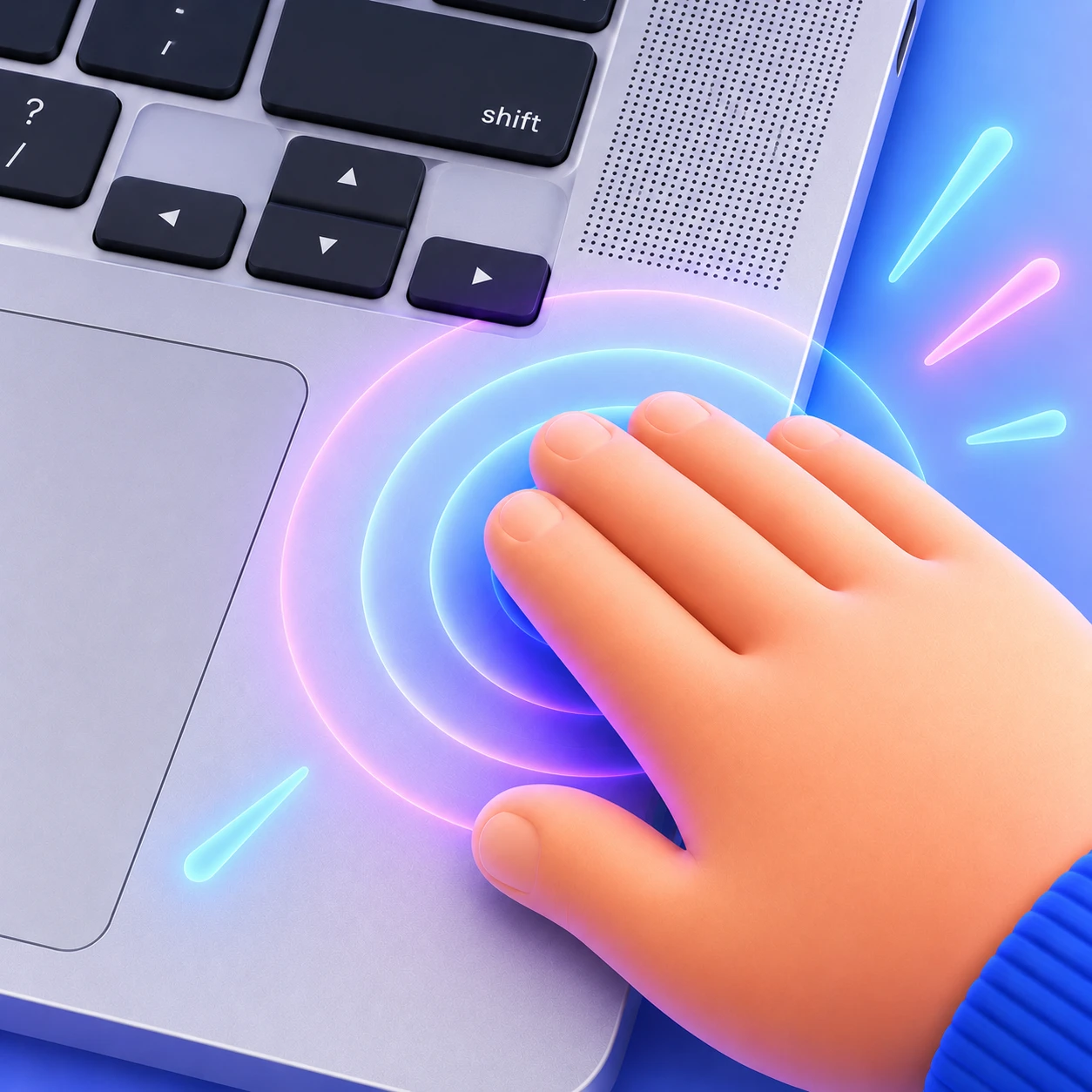
Shortap app for macOS
- One-time payment
- Only for MacBook
- 14-day money-back guarantee
- Lifetime updates included
Secure checkout by Polar.sh, powered by Stripe. Prices are in USD, excluding VAT and may vary by location.
Questions? Answers.
Shortap reads built-in motion sensor data, so it needs a supported Apple silicon MacBook with the required hardware. Intel Macs are not supported.
MacBook Air
- M2
- M3
- M4
- M5
MacBook Pro
- M1 Pro / M1 Max
- M2 / M2 Pro / M2 Max
- M3 family
- M4 family
- M5 family
Tap once. Do anything.
Download Shortap and turn the sides of your MacBook into instant shortcuts — 50+ built-in actions and any Apple Shortcut.